
How to keep safe from scammers this Christmas
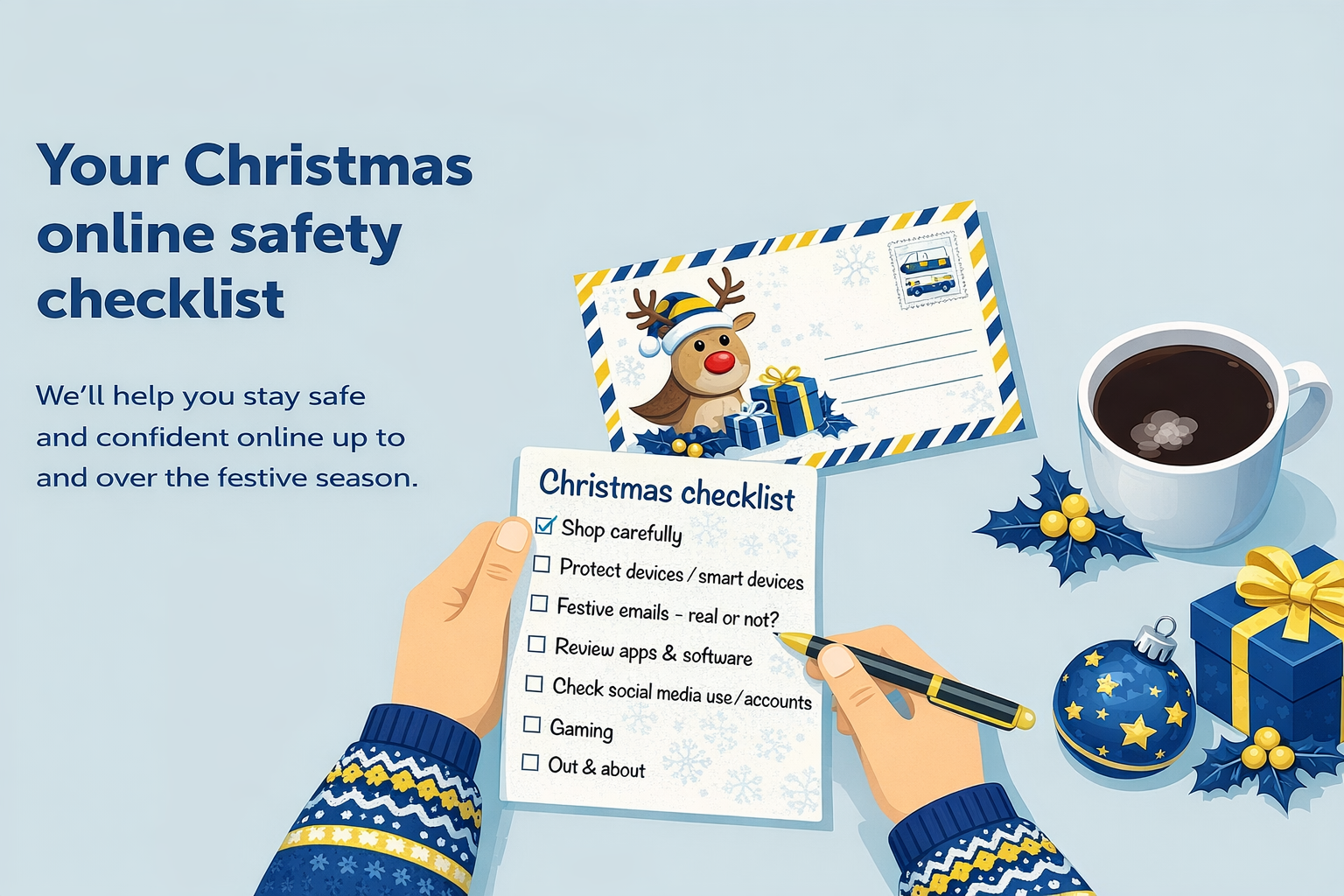
This is a hectic time of year and amid all the frantic festive preparations it’s easy to take your eye off the ball (or bauble) – particularly when you are online.
Whether its buying last-minute presents, ordering food, sending and receiving online greetings or chatting with friends and family.
Because we’re so busy and distracted, we’re more prone to scammers so take a look at this checklist from our friends at getsafeonline.org of things you could be doing online where you need to take extra care.
Christmas shopping
Scammers love the internet, especially at Christmas. Fraudulent ads, suspect websites and fake goods are commonplace. Never transfer money to someone you don’t know if you haven’t seen the item in person. Not sure if a website’s genuine? Check it out at www.getsafeonline.org/checkawebsite
Delivery scams
With gifts and other online orders on the way, be wary of texts or emails asking you to pay a delivery or re-delivery fee, as they’re often fake. If you’re unsure, contact the courier or retailer directly using a phone number or website you know is real. You can also check suspicious messages at www.getsafeonline.org/asksilver
New devices
Whether they’re new or just new to you, protect devices as soon as you power them up. Install trusted security software or apps, set up strong and unique passcodes and turn on automatic backups so your files and photos are safe. Take a few minutes to review your privacy and location settings too.
Smart devices
When you open a new smart speaker, fitness tracker, camera, home appliance, child’s toy or other connected gadget, change the default password straight away, as factory settings aren’t secure. Choose a strong, unique password for each device. And remember, take care what you say around voice assistants and smart speakers …they’re always listening.
Unwanted devices
Before passing on or selling an old device, do a full factory reset to remove your personal data – find instructions on the manufacturer’s website.
Updating apps and software
Turn on automatic updates for your operating system, apps and software. They fix security glitches that could lead to viruses, scams or identity theft.
Mobile apps
Download apps only from official stores like the App Store, Google Play or Microsoft Store. Apps from unofficial sites can hide malware or steal your personal information.
Gaming safely
Stick to legitimate games, be aware of how long you’re playing and avoid overspending on in-game purchases and don’t share personal details. If you’ve got kids who are gaming, check PEGI age ratings and talk to them about who they’re playing and chatting with.
Oversharing
Think before you post. Is it respectful? Does it give away personal or sensitive details about you, family or friends? And if you’re away or out over Christmas, resist posting about it until you’re back … burglars check social media too.
Out and about
Avoid using public Wi-Fi for anything private, like online shopping or banking or other services where you have to log in. Hotspots in cafés, hotels or public transport can be insecure — or even fake. And keep those devices safe from theft or loss.